A phone picks up more dirt than we notice. It sits in a pocket, rests on a table, gets touched after meals, and is pressed against a cheek for calls. After a few weeks, the screen looks dull, the speaker sounds a little muffled, and fingerprints are everywhere. The fix is simple, but the method matters. A wrong cloth or a harsh cleaner can scratch the screen, damage the coating, or push dirt further into the speaker.
I clean my phone once a week, and it takes about five minutes. The same routine works for most phones, and it uses things you already have at home.
What you need, and what to avoid
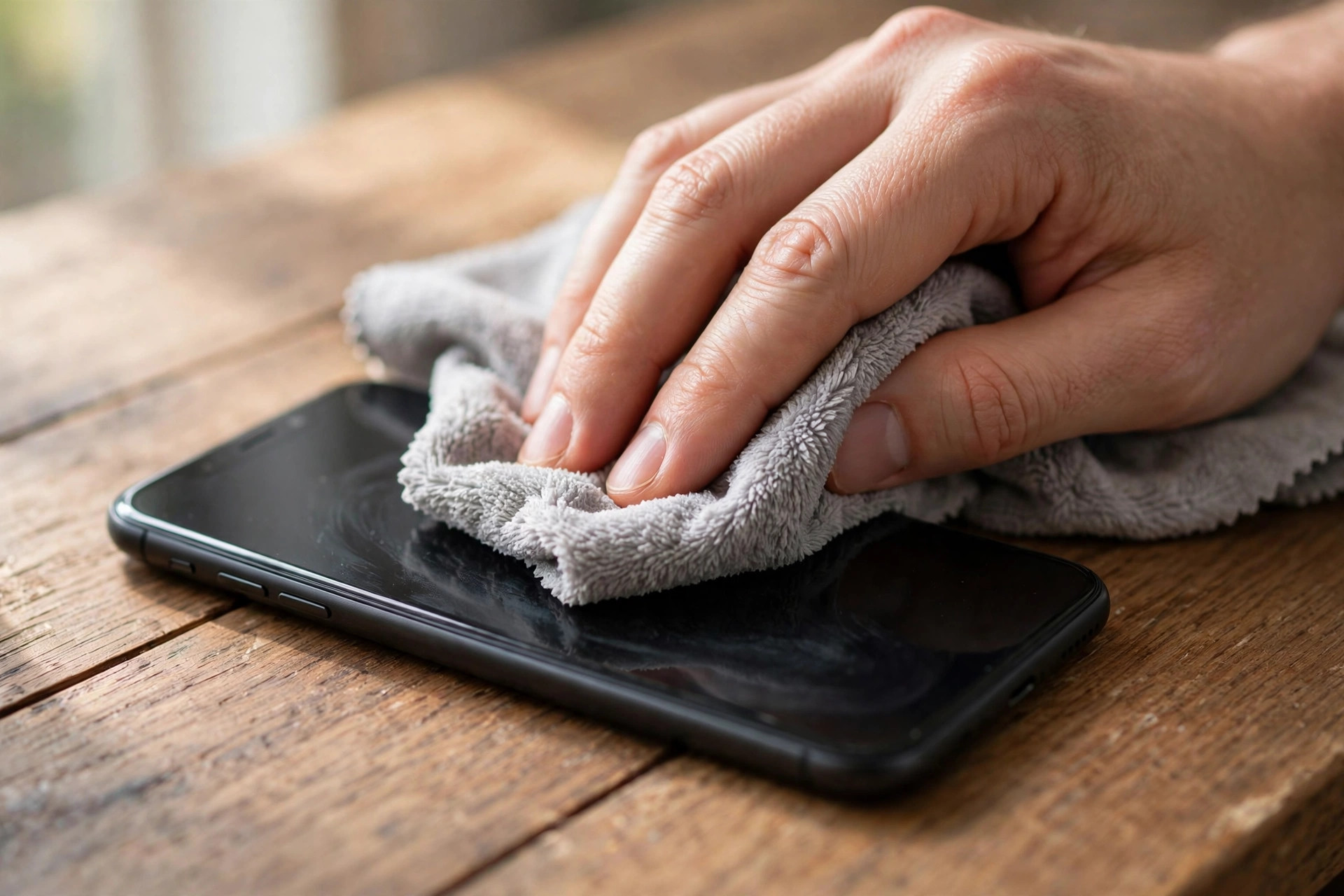
You need a soft microfibre cloth, the kind that comes with glasses or a camera lens. A clean cotton cloth also works, but microfibre is better because it picks up oil without scratching. You also need clean water, or a 70 percent isopropyl alcohol solution if you have it at home. Many phone makers now say a small amount of 70 percent isopropyl alcohol on a cloth is safe for the screen. Check your phone maker's page if you are unsure.
Do not use window cleaner, kitchen spray, hand sanitiser, nail polish remover, or bleach. These can damage the oil-repellent coating on the screen. Once that coating is gone, the screen smudges more easily and feels rough.
Do not spray liquid directly on the phone. Spray or dab it on the cloth first, then wipe the phone. A direct spray can send liquid into the speaker, the charging port, or the earpiece.
Do not use paper towels, tissue paper, or a rough towel. Paper can be surprisingly rough and can leave tiny scratches over time. Do not use a toothbrush with hard bristles on the screen either.
Clean the screen step by step
Start by removing the phone from its case. Dust often collects between the case and the phone, especially around the edges. Wipe the case separately with a damp cloth and let it dry.
Turn the phone off, or at least lock the screen, so you do not open apps while wiping. Hold the phone with one hand and wipe the screen with a dry microfibre cloth first. Use small circles, and pay attention to the edges where the screen meets the frame. This removes dust and loose dirt.
If there are smudges left, dampen one corner of the cloth with a little water or alcohol solution. It should feel just damp, not wet. Wipe the screen again, gently. Do not press hard. Let the phone air-dry for a minute. If you still see streaks, wipe once more with the dry part of the cloth.
Check the screen in light from a window. That is the best way to see if it is truly clean. A screen that looks clean in a dark room often shows smudges in daylight.
If you use a screen protector, the same method works. If the protector is cracked or peeling at the edges, replace it. A damaged protector traps dirt and makes the screen harder to read. Do not try to clean under a peeling protector.
Clean the speaker and earpiece without pushing dirt in
The speaker at the bottom and the earpiece at the top are the two places that get blocked most often. Dust, lint from pockets, and bits of food can collect there. The sound becomes quiet or unclear, and people often think the speaker is broken when it is just dirty.
The first rule is simple: do not push anything sharp into the holes. Do not use a pin, a needle, a toothpick, or a SIM ejector tool. These can puncture the mesh or damage the parts behind it.
Use a soft brush instead. A clean, dry, soft-bristled toothbrush or a small makeup brush works well. Hold the phone with the speaker facing down, and brush gently across the holes. Gravity helps the dust fall out instead of going in. Do the same for the earpiece, but be even gentler there.
If dust is stuck, you can use a small piece of tape. Press the sticky side lightly against the speaker holes and lift it off. The dust sticks to the tape. Do not press hard, and do not use very strong tape.
Some people use compressed air. If you do, hold the can upright, keep it at least 15 centimetres away, and use short bursts. Do not hold it close or use a long burst, because the force can push dust in or damage the mesh. In most cases, a soft brush is enough.
Clean the charging port carefully
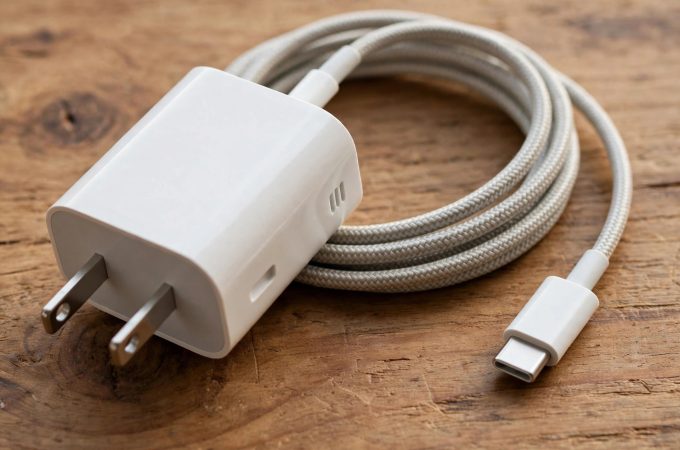
The charging port is the most common place for lint to collect. If the cable feels loose, or the phone only charges when you hold the cable at an angle, lint is often the cause.
Turn the phone off first. Look into the port with a light. If you can see lint, use a wooden toothpick or a plastic SIM tool very gently to lift it out. Use a wooden toothpick, not a metal pin, because metal can damage the contacts. Work slowly, and stop if you feel resistance.
If you are not comfortable doing this, take the phone to a service centre or a trusted repair shop. A technician can clean the port in a few minutes, and it is cheaper than fixing a damaged port later.
Do not blow into the port with your mouth. Moisture from your breath can get inside. Do not pour water or cleaner into the port either.
What to do about smells and germs
Phones can carry germs because they are touched so often. A weekly clean with a damp cloth helps, and an alcohol wipe made for electronics helps more. If you use an alcohol wipe, wipe the screen and the back, then let the phone dry completely before putting the case back on.
Checklist
- Microfibre cloth ready, no paper towels or harsh cleaners
- Phone removed from case, screen wiped dry first, then damp if needed
- Speaker and earpiece brushed gently, phone held facing down
- No pins or needles in speaker holes or charging port
- Charging port checked only with a wooden toothpick, or left to a technician
- Case washed and dried before putting it back
Clean your phone once a week, and it will look better, sound clearer, and last longer. If the speaker still sounds muffled after cleaning, or the screen has a crack, get it checked. Cleaning can fix dirt, but it cannot fix damage. A five-minute routine is worth it, because it is the phone you touch all day.

Amelia Brooks
Editorial pen namePractical guides to phones, two-wheelers and gaming from the NewsHoxs desk. Read the bio & browse all stories ↗
See our coverage methodology or send a correction.