A charger is a small thing, but it has a big job. It sends power to your phone every day, sometimes for hours. A good charger does that safely. A bad charger can make the phone hot, charge slowly, and wear out the battery faster.
Many people use the same charger for years, or a cheap one they bought in a hurry. They do not think about it until the phone starts to have problems. By then, the battery may already be weaker than it should be.
You do not need a tool to check a charger. You need to watch how the phone behaves when it charges, and look at the charger itself. Those signs will tell you if it is time to replace it.
The signs that show up while charging
The first sign is heat. A phone that gets very hot every time it charges, even in a cool room, may have a charger problem. A little warmth is normal, especially at the start of charging. Heat that makes the phone uncomfortable to hold is not normal.
The second sign is slow or unsteady charging. If the phone charges to 20 percent in an hour, then stops, then starts again, the charger or cable may be faulty. If the battery percentage goes up and down, or if the phone says it is charging but the percentage does not move, that is a warning.
The third sign is a loose connection. If you have to wiggle the cable, or hold it at an angle, the connector is worn. A loose connection can cause the phone to charge and stop many times, which is hard on the battery.
The fourth sign is a strange smell, a buzzing sound, or a charger that feels very hot. If a charger smells odd, makes a sound, or is too hot to touch, unplug it straight away and do not use it again. That is a safety issue, not just a battery issue.
Look at the charger and cable
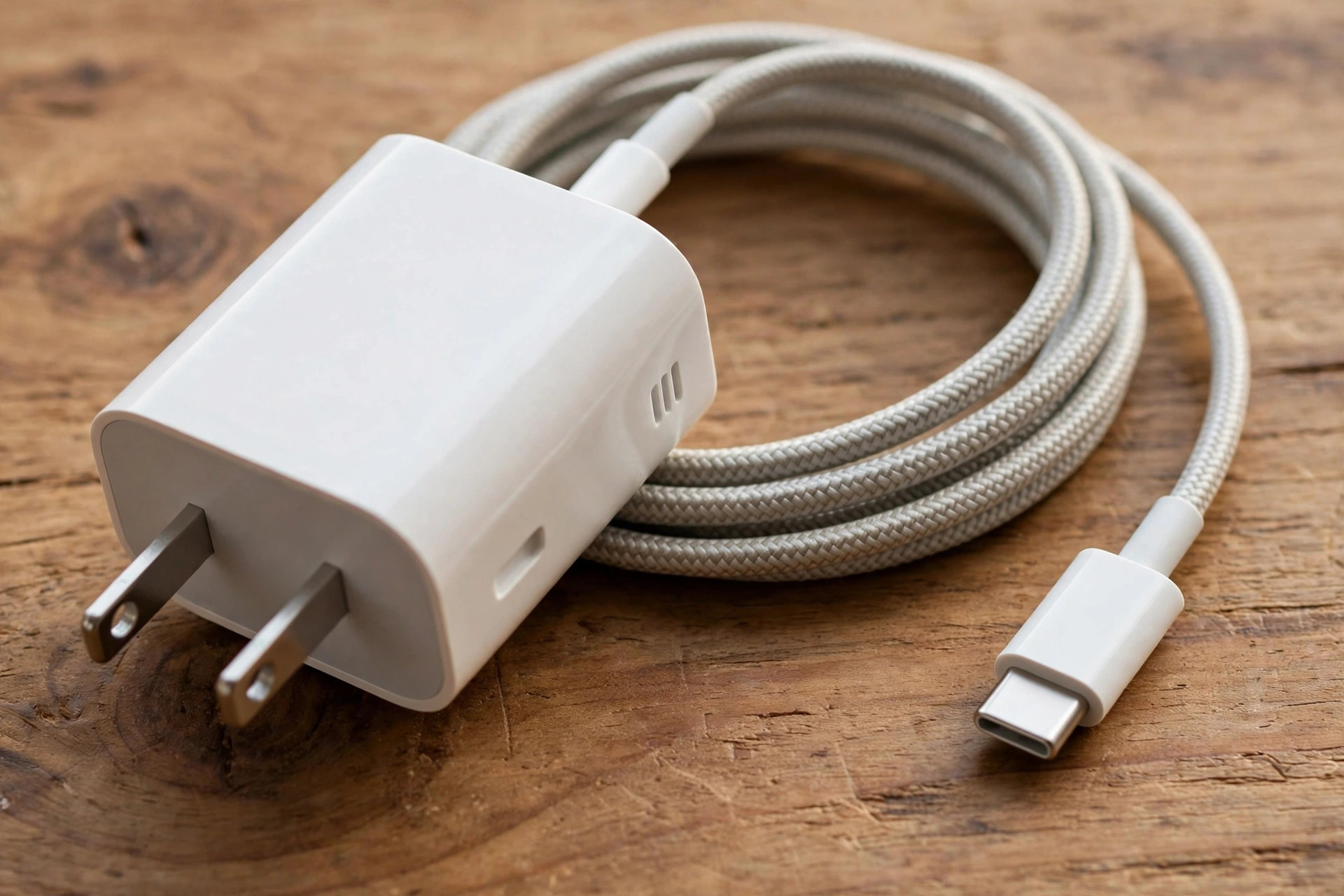
Look at the charger once a month. Check if the plastic is cracked, if the pins are bent, or if the charger feels loose in the socket. A cracked charger can be dangerous, and should be replaced.
Check the cable. If the cover near the connector is torn, if the wire is exposed, or if the connector is bent, replace the cable. A damaged cable can cause the phone to charge slowly, and it can also be a safety risk.
If you have a spare charger, try charging with that one for a day. If the phone charges faster, stays cooler, and the battery lasts longer, the first charger was the problem. That test is simple, and it tells you a lot.
Use a charger that matches your phone
Not all chargers are the same. A charger that is too weak will charge slowly. A charger that is too strong for your phone, or one that does not match what the phone maker recommends, can make the phone hot.
Check the manufacturer's page for your model to see what charger it recommends. Use the charger that came in the box, or one from a known brand that matches that recommendation. A charger from a known brand costs more than a cheap one, but it is safer for the phone and for you.
Avoid chargers from unknown brands, or chargers that have no brand name at all. They may not have the safety features that a good charger has. A cheap charger can save money at first, but it can cost more later if it damages the battery.
How charging habits affect the battery
A charger can damage a battery, but so can the way you charge. Charging from 0 to 100 percent every day, and leaving the phone on charge overnight in a hot room, can wear out the battery faster.
Charge from about 20 percent to about 80 percent for daily use when you can. You can still charge to 100 percent before a long day out. It is the daily habit that matters.
Do not use the phone for heavy tasks while it is charging if you can avoid it. Playing a game or making a long video call while charging makes the phone hot, and that heat is hard on the battery.
Take off a thick case while charging if the phone feels hot. A case can trap heat, and that heat can damage the battery over time.
When to get the battery checked
If the phone still gets hot, charges slowly, or drains fast even after you have tried a good charger and a good cable, the battery itself may be the problem. A battery loses capacity over time, and after two or three years, it may need to be changed.
Check the battery health in settings if your phone shows it. If the health is low, or if the phone shuts down at 20 percent, take it to an authorised service centre. Ask for a quote for a battery change, and check if the centre is authorised for your brand.
If the battery looks swollen, if the back cover is lifting, or if the phone smells odd, stop using it and take it to a service centre straight away. Do not charge it again.
Quick checklist
- Watch for heat, slow charging, and a loose connection while charging.
- Replace a charger that smells odd, buzzes, or feels very hot.
- Check the cable for tears, bends, and exposed wire, and replace it if damaged.
- Use the charger your phone maker recommends, from a known brand.
- Try a spare charger for a day to see if the heat and slow charging improve.
- Charge from about 20 to 80 percent for daily use when you can.
- Do not use heavy apps while charging, and take off a thick case if the phone feels hot.
- Get the battery checked if it still drains fast with a good charger.
A charger should help your phone, not harm it. If the phone gets hot every time, if charging is slow and unsteady, or if the charger itself looks damaged, replace it. A good charger and a good cable are a small cost compared to a new battery or a new phone, and they will keep your phone working well for longer.

Amelia Brooks
Editorial pen namePractical guides to phones, two-wheelers and gaming from the NewsHoxs desk. Read the bio & browse all stories ↗
See our coverage methodology or send a correction.