You plug in your phone, come back ten minutes later, and the back feels warm. Sometimes it is just a little warm. Sometimes it feels hot enough that you want to unplug it straight away.
A little warmth while charging is normal. A phone is doing work when it charges. It is moving energy into the battery, running background tasks, and sometimes cooling itself at the same time. Heat becomes a problem when it is strong, lasts a long time, or comes with other signs — the phone slows down, the screen dims on its own, charging stops, or you see a temperature warning.
This is common in India for a simple reason. Many of us charge in rooms that are already warm, in summer, with the phone on a bed or a sofa, while using it at the same time. Put those things together and the phone has nowhere to send the heat.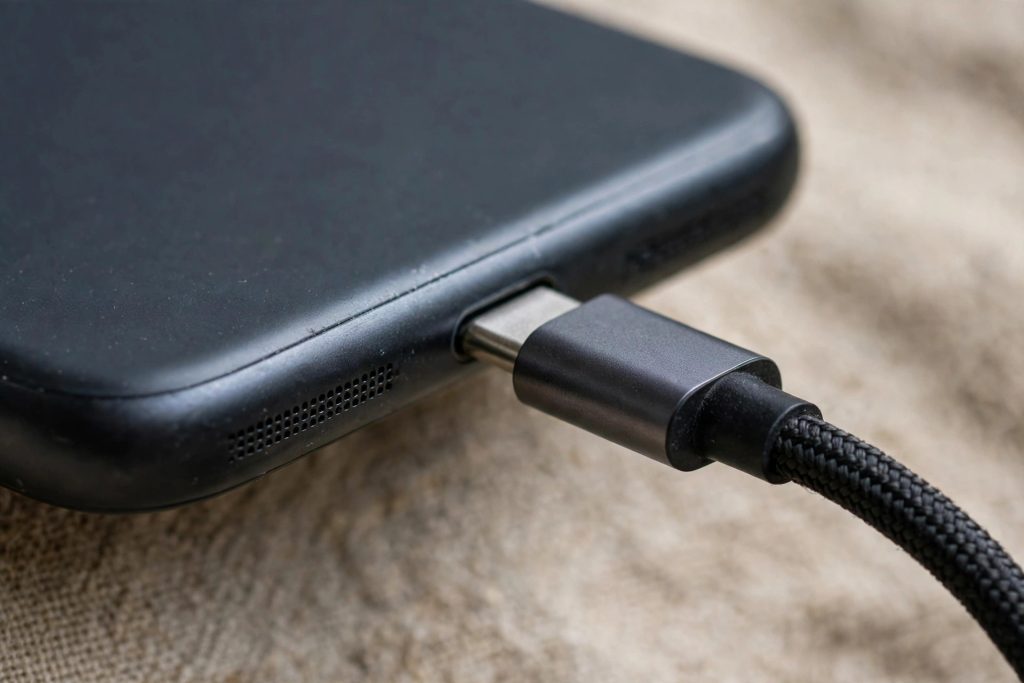
You do not need a new phone for this in most cases. You need to find what is adding heat, and remove one or two of those things.
What counts as normal, and what does not
Warm to the touch is normal, especially in the first 20 to 30 minutes. That is when charging is usually fastest. The phone may also feel warm if you have just come indoors from the sun, or if it was updating apps while it charged.
Slow down and check if you notice any of these:
- The phone is too hot to hold comfortably for more than a few seconds.
- Charging keeps stopping and starting on its own.
- The battery percentage barely moves even after an hour on the charger.
- The phone shows a temperature warning, or apps close without you touching them.
- The back or the area near the charging port feels much hotter than the rest of the phone.
- The phone stays hot even after you unplug it and leave it alone for 15 minutes.
One of these on its own does not always mean the battery is damaged. Two or three together, happening often, are a sign to change how you charge and, if it continues, to get the phone checked by an authorised service centre.
The charger and cable matter more than you think
A charger that is too weak, too strong for that phone, damaged, or fake can add heat. The same goes for a cable with a loose end, a bent connector, or a frayed cover near the plug.
Use the charger that came in the box, or one that matches what your phone maker recommends. Check the manufacturer’s page for your model if you are not sure. A charger from a known brand is a safer choice than a cheap one from a roadside stall, even if both fit the port.
Look at your cable once a month. If the plastic near the connector is torn, if you have to wiggle it to make it work, or if the phone only charges at a certain angle, replace the cable. A bad connection makes the phone and charger work harder, and that work turns into heat.
Where you charge, and what the phone is doing
Where you leave the phone while it charges matters as much as the charger.
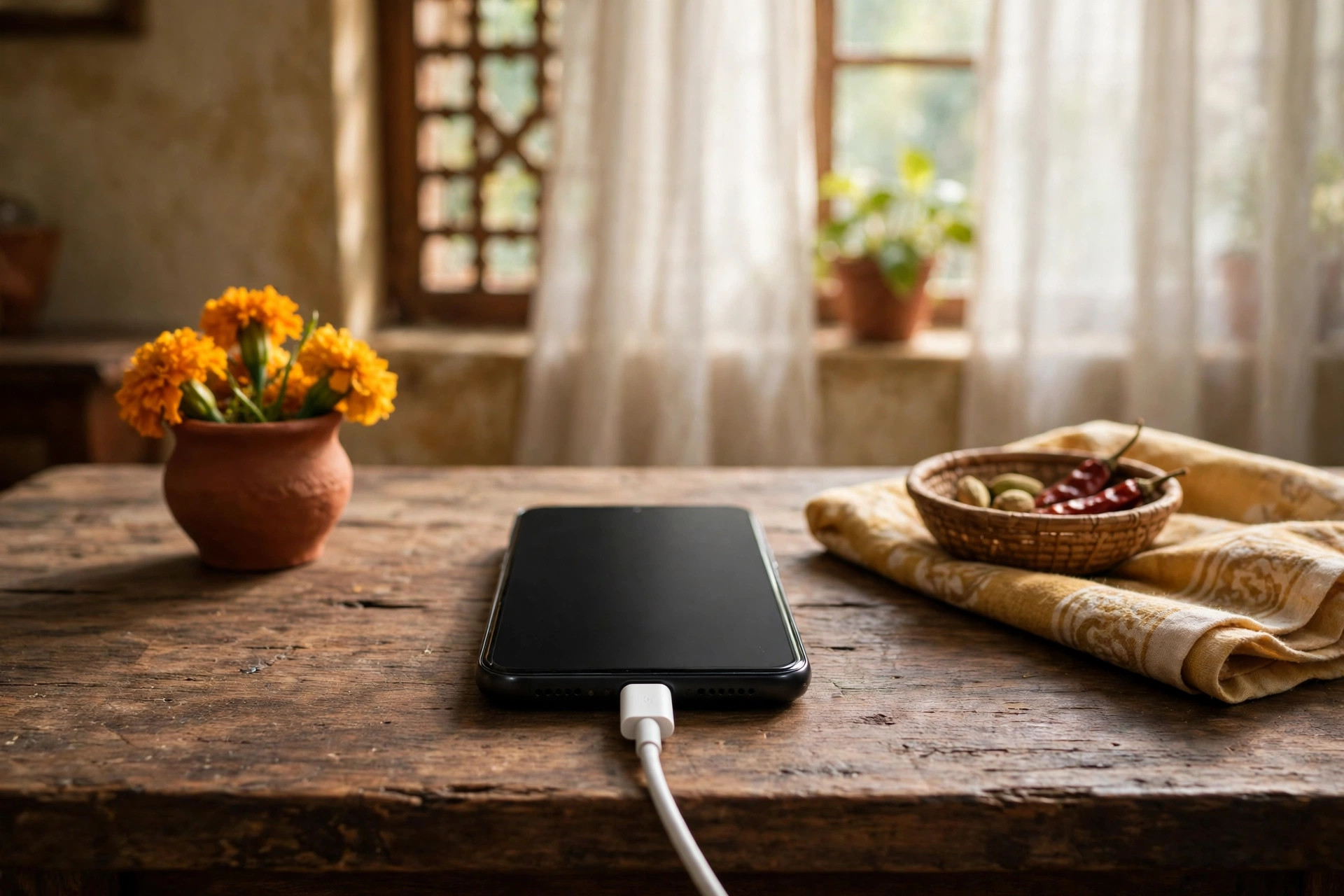
A bed, a sofa, a blanket, or a pillow traps heat. The phone cannot cool itself when it is sitting on soft cloth. Put it on a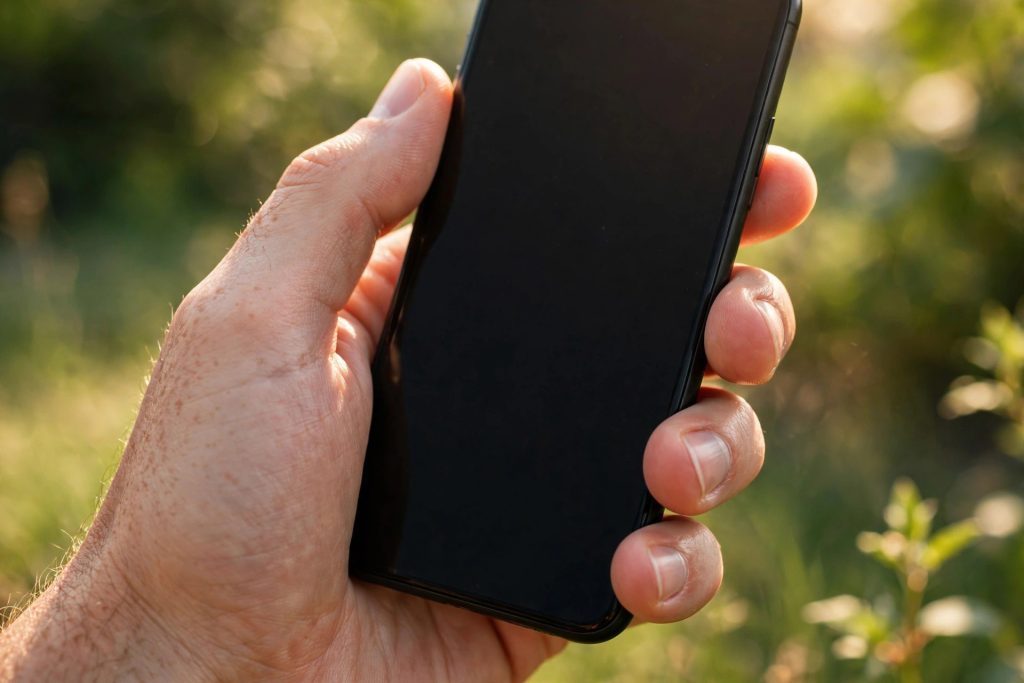 hard, flat surface instead — a table, a desk, or a wooden shelf. Keep it out of direct sunlight, and away from a hot car dashboard.
Take off a very thick case while charging if the phone feels hot. Some cases hold heat in, especially thick rubber or leather ones. You do not have to throw the case away. Just take it off for charging, and put it back on after.
Do not play a heavy game, record a long video, or make a video call while the phone is charging if you can avoid it. Those tasks use the processor, the screen, and the network all at once. Charging at the same time adds more heat on top of that. If you need to use the phone, keep it to light tasks — a message, a quick call, or checking a map.
Fast charging, and why the first half feels hotter
Many phones now charge quickly for the first part, then slow down as the battery fills up. That is by design. Fast charging pushes more energy in a short time, so the phone gets warmer in the beginning and cooler near the end.
Apps and settings that quietly add heat
Sometimes the charger is fine, but the phone is busy in the background. A large app update, a photo backup, or a video upload can run while you charge. Add a warm room to that and the phone will feel hot.
Before you plug in, do a quick check. Is the phone updating many apps? Is it backing up photos over mobile data? Is location turned on for many apps? Pause the big tasks until after charging if you can.
If the phone feels hot every time you charge, even with a good charger and a cool room, restart it once and watch it for a day. A stuck app can keep the processor busy. If a particular app always makes the phone hot, check its settings, update it, or remove it and install it again.
Quick checklist
- Use the charger and cable your phone maker recommends, and replace a damaged cable.
- Charge on a hard, flat surface, not on a bed, sofa, or in sunlight.
- Take off a thick case while charging if the phone feels hot.
- Avoid heavy games and long video calls while charging.
- Pause large downloads, backups, and updates during charging.
- Keep the charging port clean, and do not use a metal pin to clean it.
- Charge from around 20 to 80 percent for daily use when you can.
- If heat, slow charging, or warnings keep happening, get the battery checked.
A warm phone while charging is not always a warning sign, but a phone that is hot often is asking you to change something. Start with the charger, the surface, and what the phone is doing while it charges. Those three fixes solve the problem for most people, and they cost nothing.


Amelia Brooks
Editorial pen namePractical guides to phones, two-wheelers and gaming from the NewsHoxs desk. Read the bio & browse all stories ↗
See our coverage methodology or send a correction.