Monsoon rain in India is not just a drizzle. One heavy shower on a bike, a walk to the station, or a sudden downpour while you are waiting for an auto can leave a phone wet in minutes.
Most phones today have some water resistance, but that does not mean they are safe in rain. Water resistance is tested in clean water, in a lab, for a short time. Rain, muddy water, and water that gets into the charging port are different. A phone that survives a splash may not survive a long ride in heavy rain.
The good news is that most damage can be avoided with a little planning. A cover, a bag, and a habit of keeping the phone away from direct rain will protect it through the season.
Know what your phone can and cannot handle
Check the manufacturer's page for your model to see if it has a water resistance rating. If it does, read what that rating means. It usually means the phone can handle splashes and a short dip in clean water, not a long time in rain or a swim.
If your phone has no rating at all, treat it as if any rain is a risk. Keep it covered whenever you step out.
Carry it right on a bike, in a bag, and on foot
How you carry the phone matters more than the phone itself during monsoon.
On a bike, do not keep the phone in a shirt pocket or on a handlebar mount without a cover. Rain hits it directly, and wind pushes water into every opening. Put it in a zip-lock bag inside your jacket pocket, or in a waterproof pouch. A simple pouch costs little and can be used all season.
In a bag, do not put the phone in an outer pocket that gets wet first. Put it in an inner pocket, inside a small plastic bag or a pouch. If your bag itself gets wet, the phone inside a sealed bag will stay dry.
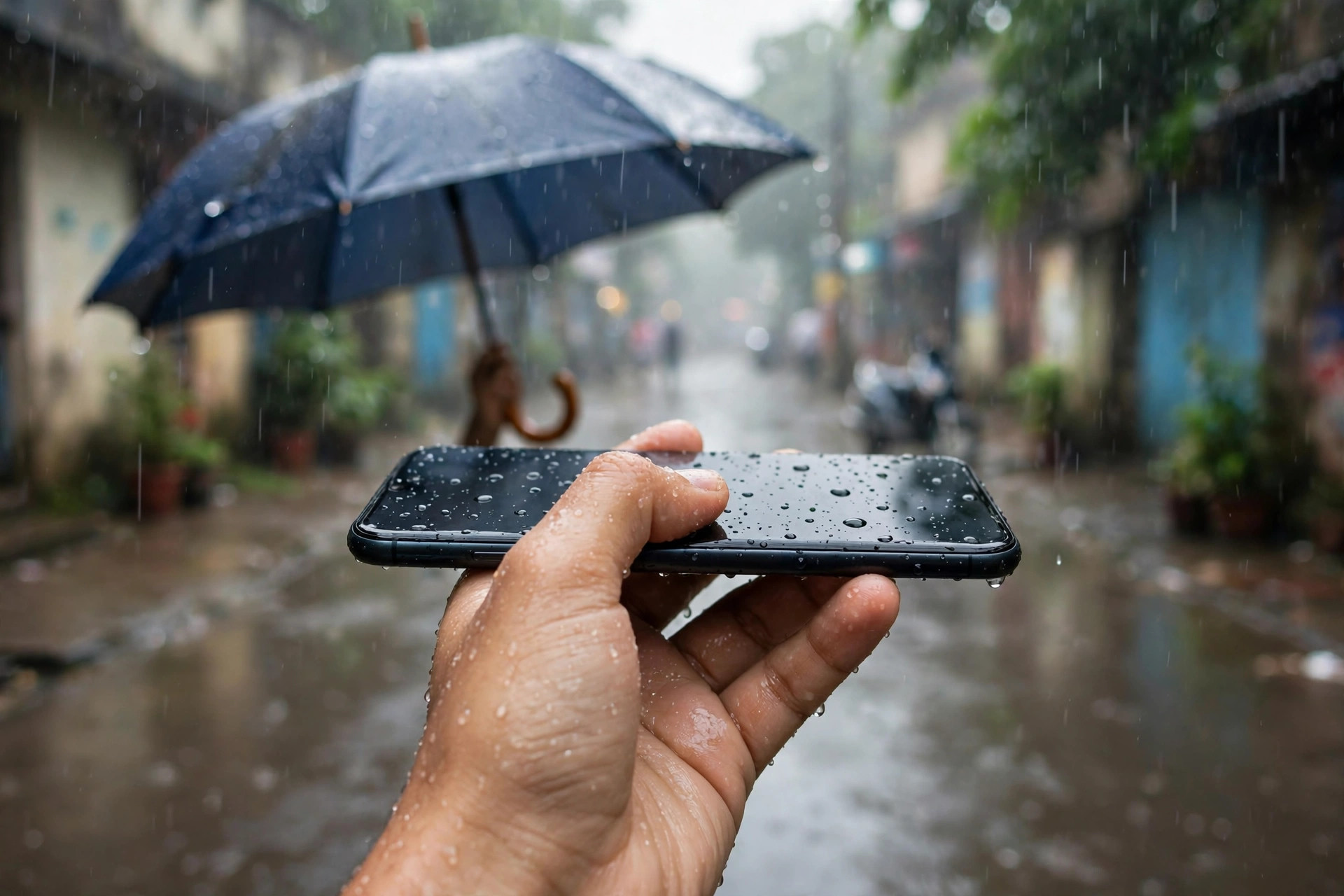
On foot, hold the phone close to your body under an umbrella, or keep it in your bag until you are under cover. If you need to use maps, check the route before you leave, or stop under a shop awning to check it. Using the phone in heavy rain, with wet hands, is when most accidents happen.
Keep a small microfibre cloth in your bag. If the phone gets a few drops on it, wipe it dry straight away. Do not wait until you get home.
At home, keep it dry and charged safely
Monsoon is not only about rain outside. Humidity at home can also affect a phone. Do not leave the phone near an open window during a storm, or on a wet balcony table.
If you come home wet, dry your hands before you pick up the phone. Wipe the phone with a dry cloth, especially around the charging port and the speaker. Do not charge the phone while it is wet, or while the port feels damp.
If the phone shows a warning about moisture in the charging port, listen to it. Unplug it, wipe it, and wait. Let it dry in a well-ventilated room for a few hours before you try to charge it again.
Use a case that covers the edges and the back, and a screen guard. A case will not make the phone waterproof, but it will protect it from a slip on a wet road or a drop on a wet floor.
What to do if the phone gets wet
Even with care, a phone can get wet. What you do in the first few minutes matters.
First, take it out of the rain and turn it off if you can. Do not press buttons again and again to check if it works. That can push water further inside.
Wipe the outside with a dry cloth. Shake it gently, with the charging port facing down, to let water out. Do not use a hair dryer on a hot setting, and do not put the phone in a hot place to dry it. Heat can damage the battery and the screen.
Do not put the phone in rice. Rice does not dry the inside of a phone well, and small grains can get into the port. Instead, leave the phone in a dry, airy room, with the port facing down, for several hours. A fan in the room can help, but do not blow hot air directly into the port.
Do not charge it until you are sure it is dry. If the phone does not turn on after a day, or if the screen shows lines, or the speaker sounds muffled, take it to an authorised service centre. Tell them it got wet, and do not try to open it yourself.
A simple monsoon kit
You do not need expensive gear. A small kit in your bag will cover most days.
Keep a waterproof pouch or a few zip-lock bags. Keep a microfibre cloth. Keep a simple case on the phone. If you ride a bike daily, a rain cover for your bag is also useful.
Quick checklist
- Check if your phone has a water resistance rating on the manufacturer's page, and do not test it on purpose.
- Use a waterproof pouch or zip-lock bag on a bike and in a bag.
- Keep the phone in an inner pocket, not an outer pocket.
- Wipe the phone dry as soon as it gets wet, and do not charge it while damp.
- If the phone gets wet, turn it off, wipe it, and let it dry in air for hours.
- Do not use rice, a hair dryer, or a hot place to dry it.
- Keep a pouch, a cloth, and a case ready through the season.
- Back up photos and contacts before monsoon starts.
Monsoon does not have to mean a damaged phone. A pouch, a dry cloth, and a little care with charging will get most phones through the season. The phone is built to handle a normal day. It is not built to sit in rain for an hour, so keep it covered, keep it dry, and let it dry fully if it does get wet.

Amelia Brooks
Editorial pen namePractical guides to phones, two-wheelers and gaming from the NewsHoxs desk. Read the bio & browse all stories ↗
See our coverage methodology or send a correction.