A used phone can be a good deal, or a costly mistake. The difference is usually twenty minutes of checking before you hand over money. I have seen friends buy a phone that looked perfect in a photo, only to find later that the screen had been replaced, the battery drained fast, or the phone was locked to someone else's account.
The rule is simple: meet in a public place, in daylight, and test everything before you pay. Do not pay in advance, do not pay through a link, and do not rush because the seller says someone else is waiting.
Start with the bill, box, and IMEI number
Ask for the original bill and box before you meet. A genuine seller usually has at least one of them. The bill should show the shop name, the date of purchase, and the phone model. If there is no bill and no box, the risk is higher, but it does not always mean the phone is stolen. Ask why they do not have it, and listen to the answer.
Check the IMEI number. Dial *#06# on the phone, and the IMEI will appear on the screen. Write it down. Check that the same IMEI is printed on the box, if there is a box, and in Settings > About Phone. If the numbers do not match, stop. That is a clear warning sign.
You can also check the IMEI on the government's central equipment identity register website for India. It will tell you if the phone has been reported lost or stolen. This takes two minutes and is worth doing.
Also check the serial number in Settings > About Phone, and compare it with the number on the bill. A mismatch does not always mean fraud, but it means you should ask more questions before you pay.
Check the body, screen, and buttons
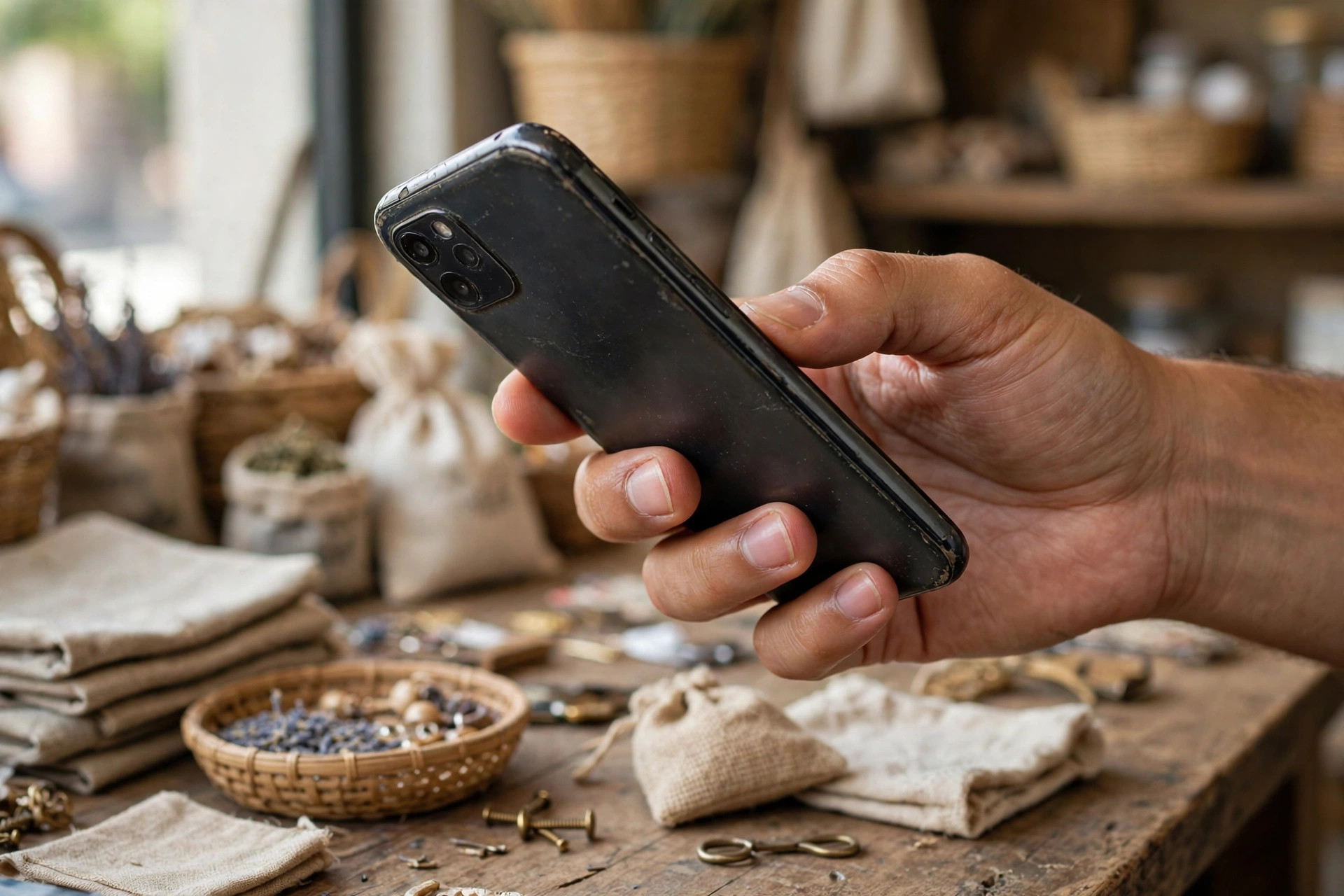
Hold the phone and look at it closely. Check the frame for dents, the back for cracks, and the camera lens for scratches. A small scratch on the frame is normal for a used phone. A cracked back or a bent frame is a sign that the phone has been dropped hard.
Turn the screen brightness to full and open a plain white image. Look for yellow spots, dark patches, or lines. Then open a plain black image and look for bright spots. These are signs of screen damage that may not show in normal use.
Run your finger along the edges of the screen. If the screen feels raised at one edge, or if there is a gap between the screen and the frame, the screen may have been replaced. A replaced screen is not always bad, but it should be reflected in the price, and the seller should tell you.
Test every button: volume up, volume down, power, and mute switch if there is one. Press them a few times and make sure they respond. Test the fingerprint sensor and face recognition, if the phone has them. Set up your own fingerprint for a minute, then remove it before you hand the phone back if you do not buy it.
Test the parts that fail most often
Battery health is the most important test. On iPhone, go to Settings > Battery > Battery Health and Charging. If the maximum capacity is below 85 percent, the battery will need to be replaced soon. On Android, check Settings > Battery, or use the phone maker's diagnostic tool if it has one. Check the manufacturer's page for where to find this on that model.
Charge the phone for five minutes with your own cable and charger. It should charge steadily. If it charges very slowly, or only charges at a certain angle, the charging port may be damaged.
Test the cameras. Take a photo with the front camera and the back camera, in normal light and in low light. Zoom in and out. Record a short video and play it back with sound. If the camera is blurry, or the video has no sound, there is a problem.
Test the speakers and microphone. Play a song, make a call, and record a voice note. Ask the other person on the call if they can hear you clearly. Test the earpiece by making a call and listening without the speaker on.
Test Wi-Fi, Bluetooth, and mobile data. Connect to your own hotspot, pair a Bluetooth earphone if you have one, and open a web page on mobile data. Test GPS by opening a maps app and checking that it finds your location.
Check the software and accounts
This is the step most people skip, and it causes the most trouble later. Ask the seller to sign out of their Google account on Android, or their Apple ID on iPhone, in front of you. Then ask them to do a factory reset, or do it yourself after they sign out. If the phone asks for the previous owner's password after a reset, it is still locked to their account. Do not buy it until that is fixed.
Check the software version in Settings > About Phone > Software information. If the phone is very old and has not received updates for a long time, check the manufacturer's page to see how much support is left. A phone with no updates left is harder to keep safe.
Agree on price and payment only after testing
Do not agree on a price before you have tested the phone. The price should reflect the condition: battery health, screen condition, whether the bill and box are present, and how much software support is left.
Meet in a public place, such as a mall or a cafe, and bring a friend if you can. Pay by UPI or bank transfer, so there is a record. Do not pay in cash if you can avoid it. If the seller insists on cash only, think twice.
If anything feels wrong, walk away. There will be another phone. A good deal does not need pressure, and a genuine seller will not mind you taking time to check.
Checklist
- Bill and box checked, IMEI matched on phone, box, and settings
- IMEI checked on the government register, serial number compared
- Screen checked on white and black backgrounds, buttons and fingerprint tested
- Battery health checked, charging tested with your own cable
- Cameras, speakers, microphone, Wi-Fi, Bluetooth, and GPS tested
- Seller signed out of Google or Apple account in front of you, factory reset done
- Price agreed only after testing, payment by UPI or bank transfer, written note taken
Take your time, test everything, and do not pay until you are sure. A used phone that passes these checks is usually a good buy. A phone that fails even one important check is a warning. Walk away, and keep looking.

Amelia Brooks
Editorial pen namePractical guides to phones, two-wheelers and gaming from the NewsHoxs desk. Read the bio & browse all stories ↗
See our coverage methodology or send a correction.