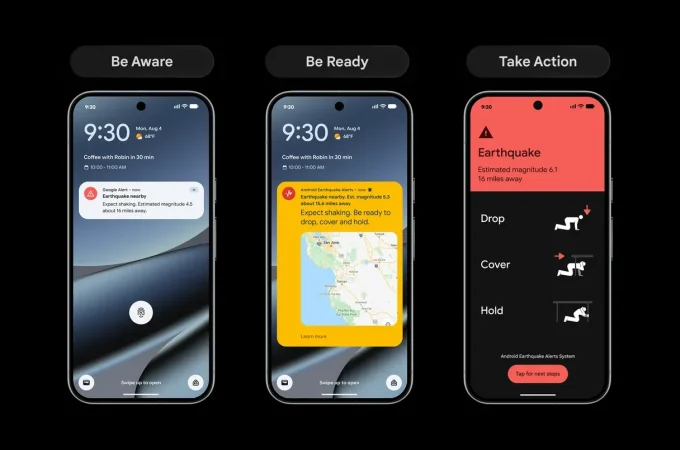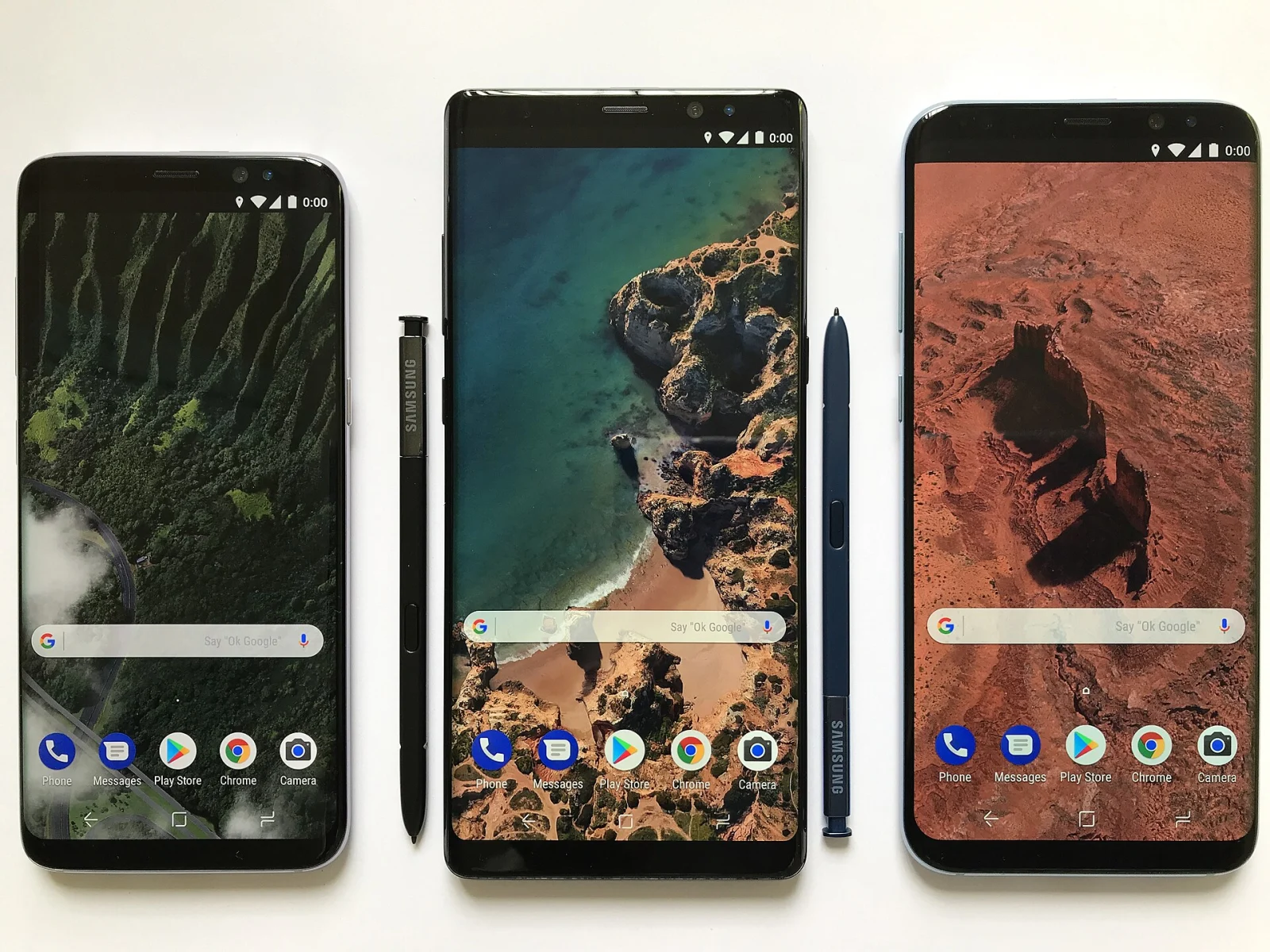
Google’s October 13, 2026 Play announcement moves in two directions: helping people create small personal apps and helping them choose among the apps and games already available. For readers, the useful distinction is between an announced capability and a feature that has actually reached their account.
What Google announced
Google says people can build a personal Android app using Google AI Studio and launch it on their own device through Play with a standard Google account. The initial rollout is for adults aged 18 and over in selected markets, including the United States.
Sharing those personal apps with a close group is described as a later step. Publishing to the public store remains a separate path involving a professional developer account and the usual review process.
For discovery, the announcement describes Ask Play app comparisons and Game Finder, which uses a player’s stated preferences through a feature called Gamer DNA. These are Google’s announced features, rather than results from an independent NewsHoxs product test.
Why private and public distribution matter
A tool for your own routine has a different job from an app offered to strangers. A personal practice tracker, for example, might work well with a narrow set of inputs that only you understand. A publicly distributed version would need clearer onboarding, reliable error handling and an explanation of what happens to user data.
That is why “I can run my project” and “my app is ready for everyone” are different milestones. Before trusting an important task to a small personal app, write down the expected result for a few examples and try them. Include an empty input and an incorrect input, not only the successful demonstration used while building it.
Use comparison tools to narrow a shortlist
A generated comparison can help organize questions, but the questions still need to match your situation. Consider a note-taking app: offline editing, export format and account requirements may matter more than a long list of creative features. For a game, control style, connection requirements and purchase design can change whether it suits your routine.
After narrowing the list, inspect the app’s own current listing and purchase screen. Check the publisher, permissions, subscription details and whether the feature you need is included. A comparison should help you make that inspection more focused.
A quick checklist for your account
- Availability: look for the feature in your current account. This report does not establish that the initial personal-app rollout is available in India or every other market.
- Device: distinguish support for the app you want to run from the existence of a new discovery feature.
- Data: start a personal project with non-sensitive sample information until you understand how it behaves.
- Costs: review any paid service, app or subscription separately before accepting it.
- Expectation: a successful launch is a starting point for checking reliability, not evidence that every generated result is correct.
For now, the clearest practical change is a broader set of ways to create and find software. Check the actual interface available to you, then evaluate the app against the task you need it to do. The announcement date alone is not a reason to replace a tool that already works well.
Keep an app announcement separate from the device's support window using our phone update-support checklist.

Amelia Brooks
Editorial pen namePractical guides to phones, two-wheelers and gaming from the NewsHoxs desk. Read the bio & browse all stories ↗
See our coverage methodology or send a correction.