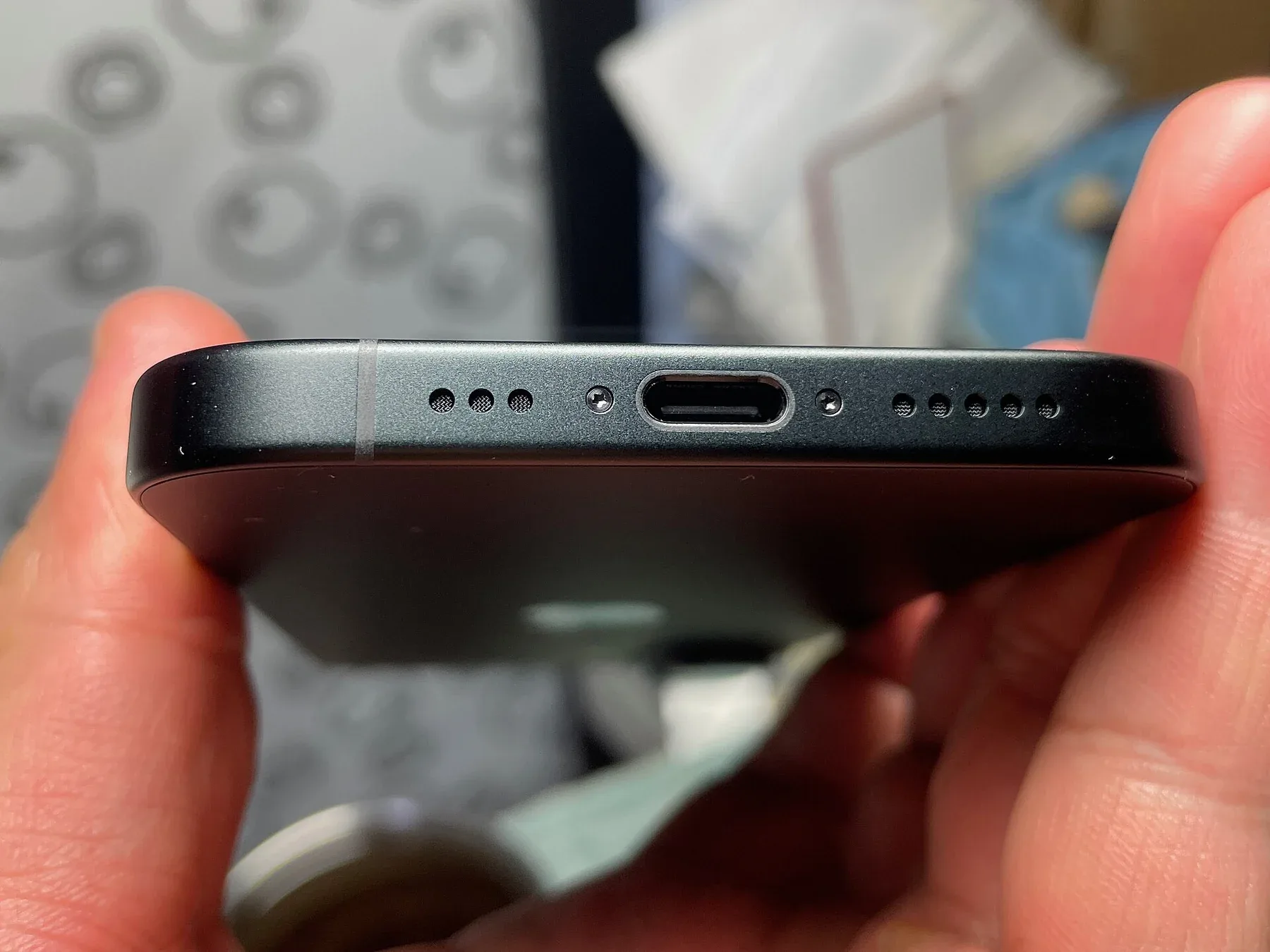
Check charging power, data rate and display support separately. A USB-C connector alone does not guarantee any particular speed or video capability.
Two cables can fit the same phone and be useful for very different jobs. One may suit overnight charging; another may be needed for moving large video files. The connector answers “will it plug in?” The specifications answer what the connection can actually do.
Treat charging as a chain of three products
Write down the phone model, the power adapter model and the cable specification. The result depends on what those three support together. A large wattage on the adapter is not a promise that every connected phone will draw that much power.
Apple documents USB-C charging and USB Power Delivery compatibility for supported iPhones. Its guide also identifies Pro models that can transfer at up to 10Gb/s with an appropriate USB 3 cable. That capability should not be assumed for every USB-C phone or every cable supplied with one.
Choose for the task you actually do
| Main job | Check this | Avoid assuming |
|---|---|---|
| Charge at a desk | Phone charging support, adapter protocol and cable power rating | The adapter’s maximum watts equal the phone’s charging rate |
| Move large files | Supported data rate at both ports and on the cable | Every cable has the same data wiring |
| Connect a display | Phone video-output support, display input and adapter requirements | USB-C always includes video output |
| Travel with one charger | Each device’s requirements and shared-port power allocation | All ports keep their maximum output when used together |
For a buyer who never transfers files by cable, paying extra for a high data-rate cable may not solve a problem. For someone copying video every week, data performance can matter more than buying an even larger charger. Make the expensive part match the bottleneck.
Use a clean comparison, not a stopwatch contest
If charging seems slow, first compare like with like: the same phone, similar starting battery level, the same room and no heavy game running. Change only the adapter or cable. This informal comparison can reveal an obvious mismatch, but it is not a laboratory measurement of rated power.
For file transfers, record the size of a real folder and the time taken. The computer port, storage drive and file types can affect the result too. Buying a faster cable will not make a slow destination drive faster. Keep your original files until you have verified the copy.
Read the listing before the logo
- Look for a stated data rate separately from a charging wattage.
- Check cable length and whether the seller identifies the exact model.
- For a display setup, confirm compatibility at every connection.
- Use the device maker’s guidance for charging accessories; retire damaged cables.
- Keep the receipt and product specification so you can check what was promised.
The practical distinction: “USB-C” describes a connector. Buy against the charging, data or display task you need it to perform.
For the wider ownership picture, read our battery-care explainer. If large files are the reason for the upgrade, first work through the phone storage budget.
Estimate whether faster data actually saves you time
Suppose a real transfer in your workflow averages 30 MB/s. Copying a 6,000 MB folder would take about 200 seconds before overhead and interruptions. At an observed 300 MB/s, the simple estimate becomes 20 seconds. These are invented throughput examples, not cable ratings or results from a NewsHoxs test.
Use that comparison to decide whether your weekly file transfers justify a higher-spec cable. Then confirm that the phone port, computer port and destination storage can support the task. A fast cable cannot remove a bottleneck elsewhere in the chain.
Keep a cable identification note
Save the exact model number and its stated data and power capabilities with the receipt. Two visually identical cables in a drawer are difficult to distinguish later. A small label helps you keep the high-data-rate cable available for transfers without assuming the cable next to the bed does the same job.

Amelia Brooks
Editorial pen namePractical guides to phones, two-wheelers and gaming from the NewsHoxs desk. Read the bio & browse all stories ↗
See our coverage methodology or send a correction.